
Email Overload? 10 Strategies to Achieve Inbox Zero
Ten practical tips for overcoming email overload and reaching inbox zero, with help from AI tools.
Our products
The compliance platform built by our cybersecurity practice. Its built-in AI automates the gap analysis for NIS2 and the Czech Cybersecurity Act.
Boost your focus and efficiency while saving time with these 10 productivity hacks for professionals.

Productivity is key to staying ahead at work. Whatever stage your career is at, these ten productivity hacks will help you make the most of your workday. Incorporate the following tips into your routine and watch your efficiency soar!
All of us have been there. 9:00 am hits with a fresh workday, our task lists are piling up and we have no clue where to start. In such a scenario, prioritisation is the key. To stay organised, it’s essential to plan your work schedule ahead. Start your day with a clear plan by outlining your tasks the night before. This simple habit helps you hit the ground running and prioritise your most important tasks.
Break your work into focused intervals, typically 25 minutes, followed by a short break. The Pomodoro Technique helps maintain concentration and prevents burnout. Set a timer and commit to working on one task during each interval.
Here’s how to go Pomodoro in a few simple steps:
What are the key benefits of Pomodoro?
To stay focused, it’s important to distinguish tasks which need your commitment and critical judgement from chores that can be automated. Once you have a list of automation-ready tasks, get rid of them as soon as you can to save your focus for more demanding work. You can save time by automating repetitive tasks with AI tools. Automating email replies or meeting scheduling frees up time for more strategic activities.
Have you ever lost your focus by switching between too many different tasks? Try organising your tasks based on their similarity. Group similar tasks together so the work flows better. For example, dedicate specific times of the day to check emails, make phone calls, or work on reports. Batching tasks reduces the mental shift between different types of work.
Identify and eliminate distractions in your workspace. Turn off non-essential notifications, create a clutter-free environment, and set boundaries with colleagues to ensure uninterrupted focus time. Remote and hybrid workers face this problem even more often. If you work from home, consider setting up a distraction-free workspace that you use only for work. Use multiple workspaces on your computer and multiple accounts in your browser to keep your work and life in balance.
Define Specific, Measurable, Achievable, Relevant, and Time-bound (SMART) goals for your projects. SMART goals provide clarity and direction, making it easy to track progress and stay motivated.
Incorporate short breaks into your workday to recharge and avoid fatigue. But be conscious of how you spend your break. Instead of switching to a short funny reel, change your environment completely. Step away from your desk, stretch, or go for a walk to clear your mind and boost productivity.
The Eisenhower Matrix helps you prioritise tasks based on urgency and importance. Divide your tasks into four categories:
Using this matrix helps you focus on what truly matters and prevents you from getting bogged down by less critical tasks.
If a task can be completed in two minutes or less, do it immediately. This prevents small tasks from piling up and keeps your to-do list manageable.
Use AI tools to raise your productivity. An AI email assistant can help you write emails more efficiently and take on part of the burden of email management. We built one ourselves: AI Reply, an assistant inside Gmail that drafted replies and adjusted their tone and length. When choosing your AI tools, don’t overdo it. Many AI tools promise increased productivity, but too many tools across multiple tabs and windows can cause the opposite. Keep it as simple as possible.
With these productivity hacks in your daily routine, you can maximise your efficiency and achieve your goals more effectively. From planning your day to using AI tools, these tips will help you work smarter. Start using them today.
Ten practical tips for overcoming email overload and reaching inbox zero, with help from AI tools.

A look back at Whirr Crew’s 2023: a growing team, more project work and clients in the United States and Europe.
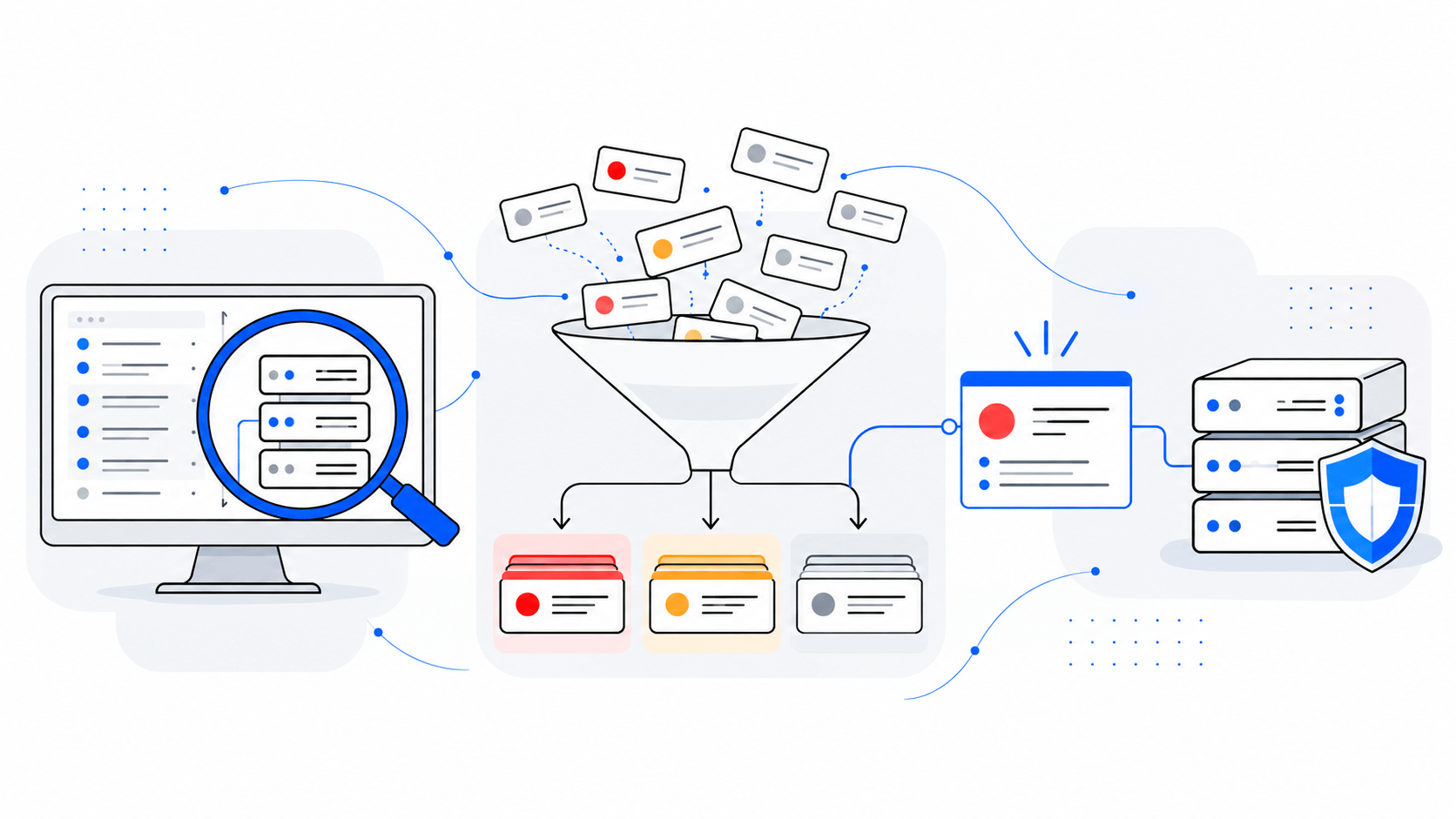
Decide what to fix first after a vulnerability scan. Prioritise findings by asset criticality, exposure and business risk, then verify remediation.
Tell us what you need to secure, automate, build or staff. A senior consultant will get back to you.
 Aleš PoláčekCEO, Whirr Crew
Whirr Crew s.r.o., Rybná 716/24, 110 00 Praha 1